
In the rapidly evolving digital landscape of 2026, a robust Google Business Profile serves as the digital front door for your physical or service-based business. As search engines transform into advanced artificial intelligence-powered “answer engines,” your presence on Google Maps and in local search is no longer optional—it’s the foundation of your brand’s credibility. Whether you’re a local shop or a national service provider, understanding how to effectively utilise Google Business Profile ensures that your business is the first one customers find when they’re searching for solutions.
We’re saying it again – by 2026, GBP will no longer be just a passive directory, but a dynamic, AI-powered “answer engine” that acts like a digital storefront, driving over 70% of local search interactions. To rank at the top of local search and secure a spot in the top 3 “local pack” rankings, businesses will need to move beyond simply having a listing and actively manage an optimized, engaging profile.
Here’s the master guide to setting up, optimizing, and dominating local search in 2026.
Table of Contents
Why Your Business Needs a Google Business Listing
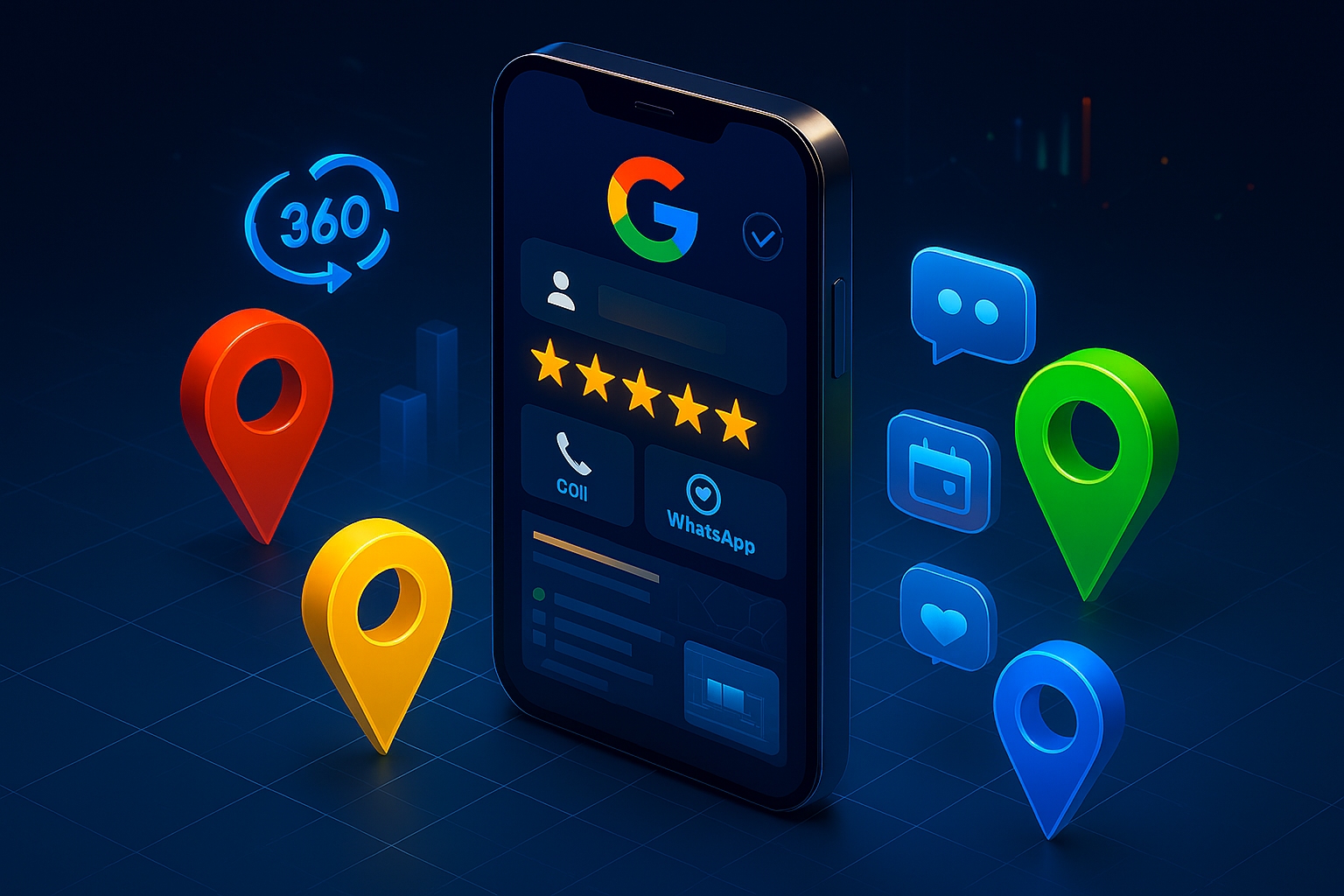
A Google Business Profile acts as a verified identity for your brand. Recent data from Consumer Reports in 2025 shows that 82% of consumers use Google Search to find local information, and more than 50% of these searches result in a visit to a physical store within 24 hours.
Key Features of a Modern Profile:
- Real-time Interaction: Engage with customers via live messaging.
- Visual Storytelling: Upload high-resolution 360-degree tours and videos.
- Direct Conversions: Integrated booking and ordering buttons.
- Direct Connecting: Call and WhatsApp buttons.
- Social Proof: A centralized hub for reviews and ratings.
The Risks of Ignoring Your Google Business Page
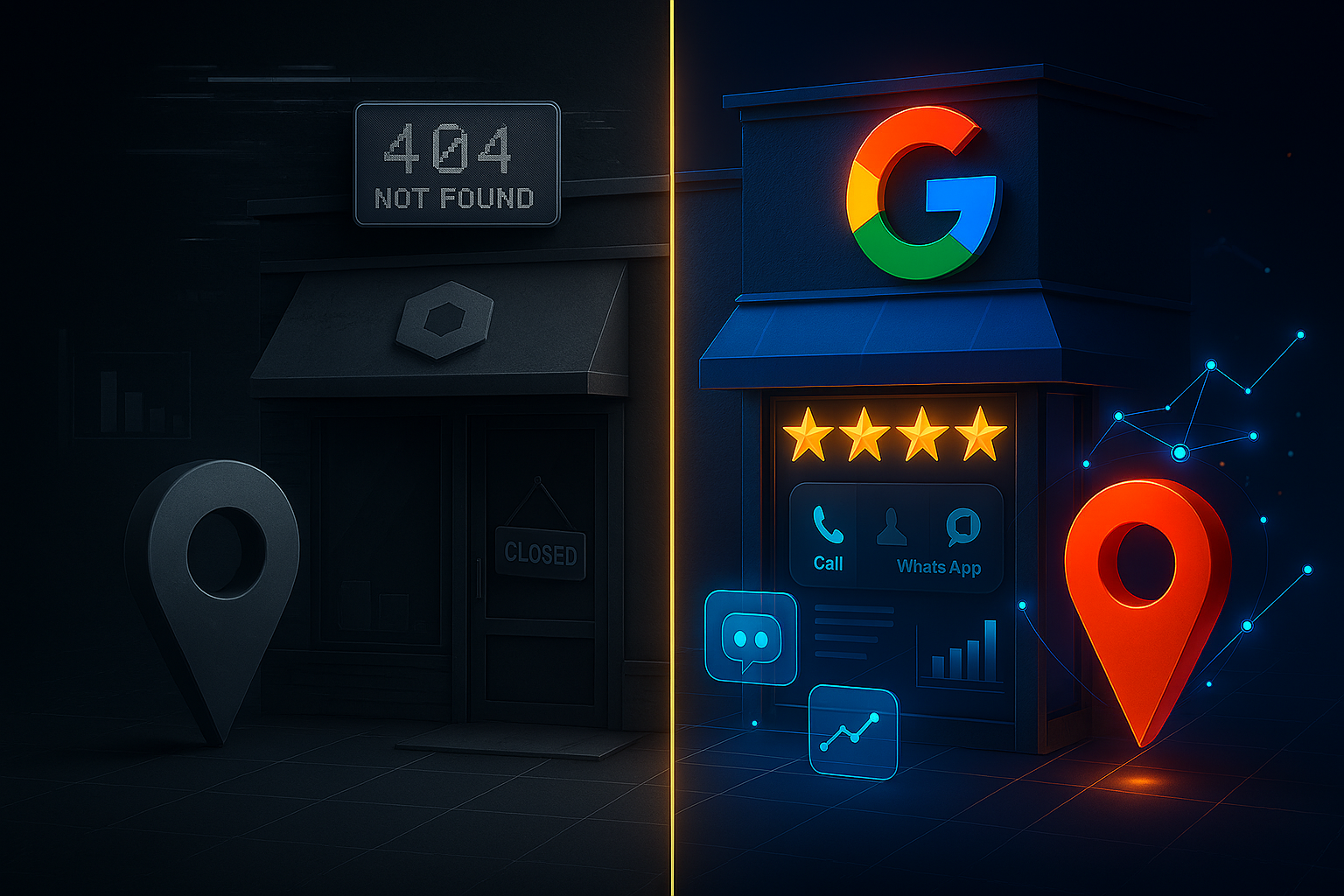
Businesses that neglect their Google Business Profile will face significant challenges in 2026. Without a managed online presence, you risk the following:
- Identity theft: Competitors or malicious actors can claim unverified listings.
- Loss of visibility: You won’t appear in the “local 3-pack,” the most valuable real estate on the search results page.
- Customer frustration: Incorrect hours or addresses lead to negative reviews and a loss of trust.
- Zero data insights: You lose access to the Google Business Profile dashboard, which reveals how customers actually find you.
Google Business ProfileSetup and Verification
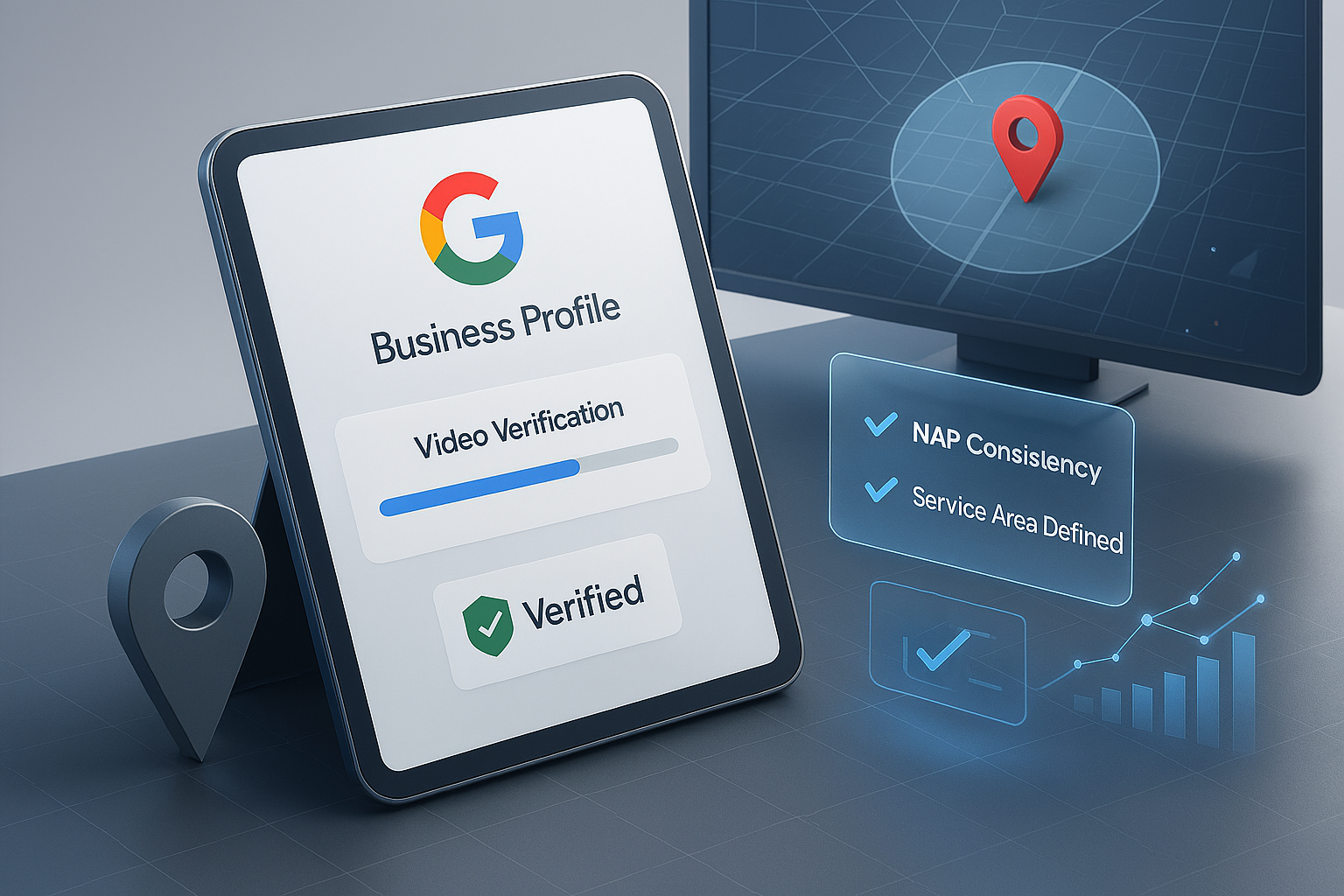
Claim and verify your GBP listing, ensure your NAP (Name, Address, Phone number) is consistent everywhere, and set the correct service area:
- Claim/Create Your Profile: Visit business.google.com and use a consistent email address (preferably with your company domain) to claim or create your business.
- Verify via 2026 Methods: Due to increased spam, Google has tightened verification. Use video verification (showing location/signage) or instant verification via Google Search Console if possible.
- Use Exact NAP: Ensure your Name, Address, and Phone number (NAP) are identical to your website, social media, and offline signage. Inconsistent NAP causes ranking drops.
- Set Accurate Service Areas: If you are a Service Area Business (SAB) with no physical storefront, hide your address and define your service radius.
- Category Selection: Choose one primary category that defines your core business and up to nine secondary categories.
- Attribute Richness: Add specific attributes like “Identifies as women-led” or “Wheelchair accessible.”
Google Business Profile Optimization Strategies
- Primary Category as a Blueprint: Your primary category is the #1 ranking factor. Research the top 10 competitors and use the most common, specific category (e.g., “Personal Injury Attorney” instead of just “Attorney”).
- Keyword-Rich Description: Utilize the 750-character limit to create a natural, informative summary. Include your USP and location-based keywords without “keyword stuffing.”
- Geotagged Photos and Videos: In 2026, AI evaluates image quality. Upload high-quality, authentic photos weekly (interior, exterior, team, and “before/after”). Use tools to geotag photos with your service area coordinates.
- Leverage the New “What’s Happening” Feature: Use the enhanced “What’s Happening” feature for real-time updates (offers, events) to increase visibility in map results.
- Strategic Q&A and Attributes: Populate the Q&A section with your own frequently asked questions. Enable key attributes (e.g., “Women-Owned,” “Sustainability Practices,” “Wheelchair Accessible”) to rank for specific voice/AI queries.
- Utilize Products and Services: List all services individually with descriptions and pricing to dominate long-tail searches.
Dominate local search with advanced techniques in GBP
Manage your Google Business Profile more efficiently from a single dashboard:
- Post Scheduling & Multi-Location Publishing: You can now schedule posts and publish a single update across all branches from one dashboard, ensuring consistency.
- AI-Powered Q&A: Monitor new AI-generated responses to common questions, ensuring accuracy before they go public.
- Active Review Strategy: Aim for 30+ quality reviews. Respond to all reviews—positive and negative—within 24–48 hours, naturally incorporating keywords, to boost reputation.
- Connect WhatsApp & Booking Systems: Replace outdated chat features with WhatsApp integration. Connect with booking platforms (OpenTable, Reserve with Google) to allow direct bookings.
- Use UTM Tracking: Add UTM parameters to your URL to measure exactly how much traffic/revenue is coming from your GBP vs. website in Google Analytics 4.
Benefits of Professional Google Business Profile Management
When you invest time into Google Business Profile management, you unlock several competitive advantages:
- Higher CTR: Optimized profiles with photos receive 35% more clicks.
- Trust Signals: Verified businesses are considered twice as reputable by consumers.
- Mobile Dominance: As mobile search accounts for 65% of local traffic, a well-placed my business profile ensures you are visible on small screens.
- Predictive Analytics: Use the dashboard to see which keywords triggered your listing.
Google Business Profile Best Practices for Local SEO
- Weekly Updates: Use the “Update” feature to share news, offers, and events.
- Q&A Proactivity: Populate your own “Questions & Answers” section with frequently asked questions.
- High-Resolution Media: In 2026, Google’s algorithms prioritize listings with fresh, high-quality visual content.
- Review Velocity: Don’t just get reviews; get them consistently. Respond to every review within 24 hours to signal active management.
Be Accurate: Ensure NAP is identical everywhere.
Be Specific: Choose the most precise category and add secondary ones.
Use Attributes: Fill out the “Attributes” section for key features.
Monitor Insights: Use data to understand customer behaviour.
Use a Google Business Profile Checker
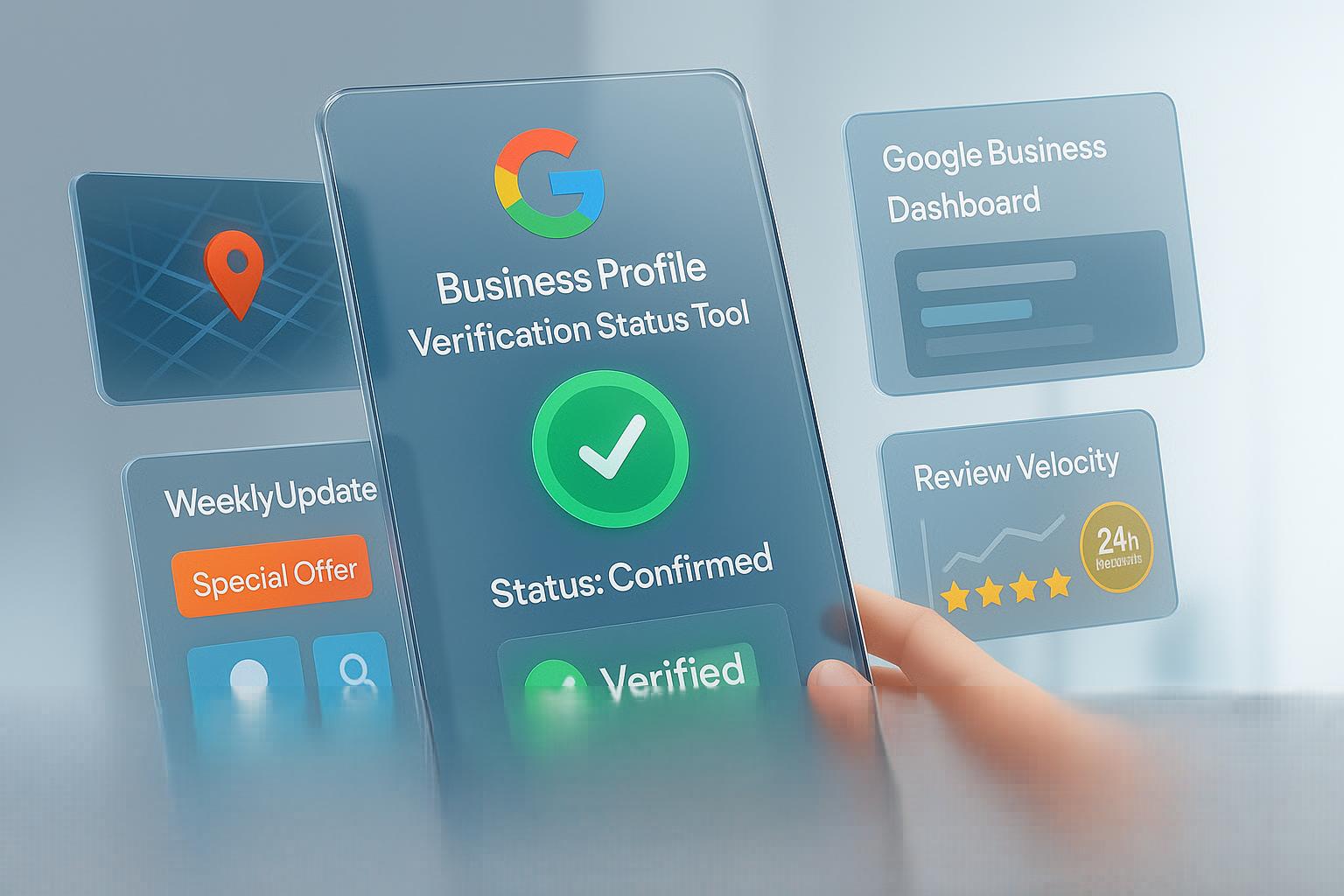
A Google Business Profile checker helps you find, verify, and manage your business on Google to improve visibility:
Check Your Profile Status –
Using the Verification Status Tool (Recommended):
- Go to: https://support.google.com/business/workflow/12825603.
- Sign in with the Google Account linked to your business.
- The tool shows if your profile is Verified, Pending, or needs verification, offering next steps.
Through Your Dashboard:
- Visit https://business.google.com/locations and sign in.
- Check the “Status” column for each location.
- If unverified, you’ll see a “Get Verified” button or message.
Direct Search (for visibility):
- Search your business name + city on Google or Maps.
- If it appears, you can manage it (if logged in); if not, you may need to add or claim it.
Checklist for Success of Google Business Profile
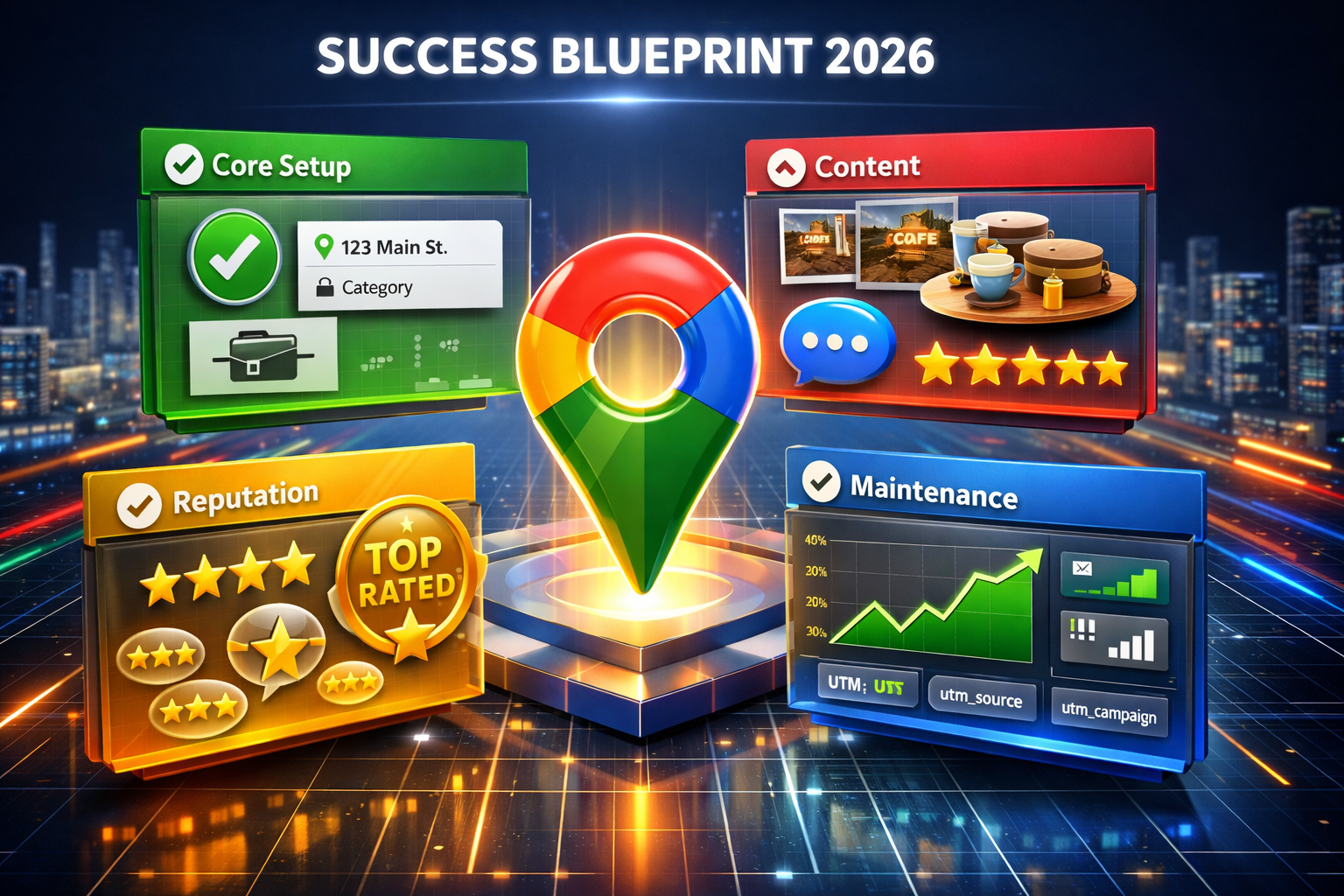
Core Setup & Information:
- Claim & Verify: Ensure you own and verify your listing.
- Accurate Info: Use your exact business name, address (NAP), phone, and hours; set service areas if needed.
- Categories: Choose the most specific primary category and relevant secondary ones.
- Description: Write a compelling, keyword-rich description (first 250 chars crucial).
- Attributes: Add relevant features like “Black-Owned,” “Wheelchair Accessible,” etc..
Content & Engagement:
- Photos & Videos: Upload high-quality, branded images (logo, cover, interior, staff, products) and videos regularly.
- Products/Services: List offerings with details, prices, and photos.
- Posts: Publish weekly updates (offers, events, announcements).
- Messaging: Enable messaging for direct customer contact.
- Q&A: Proactively add FAQs and answer customer questions.
Reputation Management:
Reviews: Request new reviews and respond to all of them promptly and professionally, using keywords.
Optimisation & Maintenance:
- NAP Consistency: Ensure Name, Address, Phone are identical across all online listings.
- Insights: Track performance using Google Insights to see what works.
- Website Link: Use UTM codes on your website link to track traffic.
- Check for New Features: Add new Google-introduced attributes as they roll out.
Competitor Analysis: Keep an eye on competitors’ activities.
Action | Frequency |
Update Hours/Special Hours | As needed (Crucial for holidays) |
Post “What’s Happening” Updates | 1-2 times per week |
Upload New Photos/Videos | Weekly |
Respond to Reviews & Q&A | Daily/Weekly |
Monitor Insights | Monthly |
Audit NAP Consistency | Quarterly |
Google Business Profile Mistakes That Push Customers to Competitors
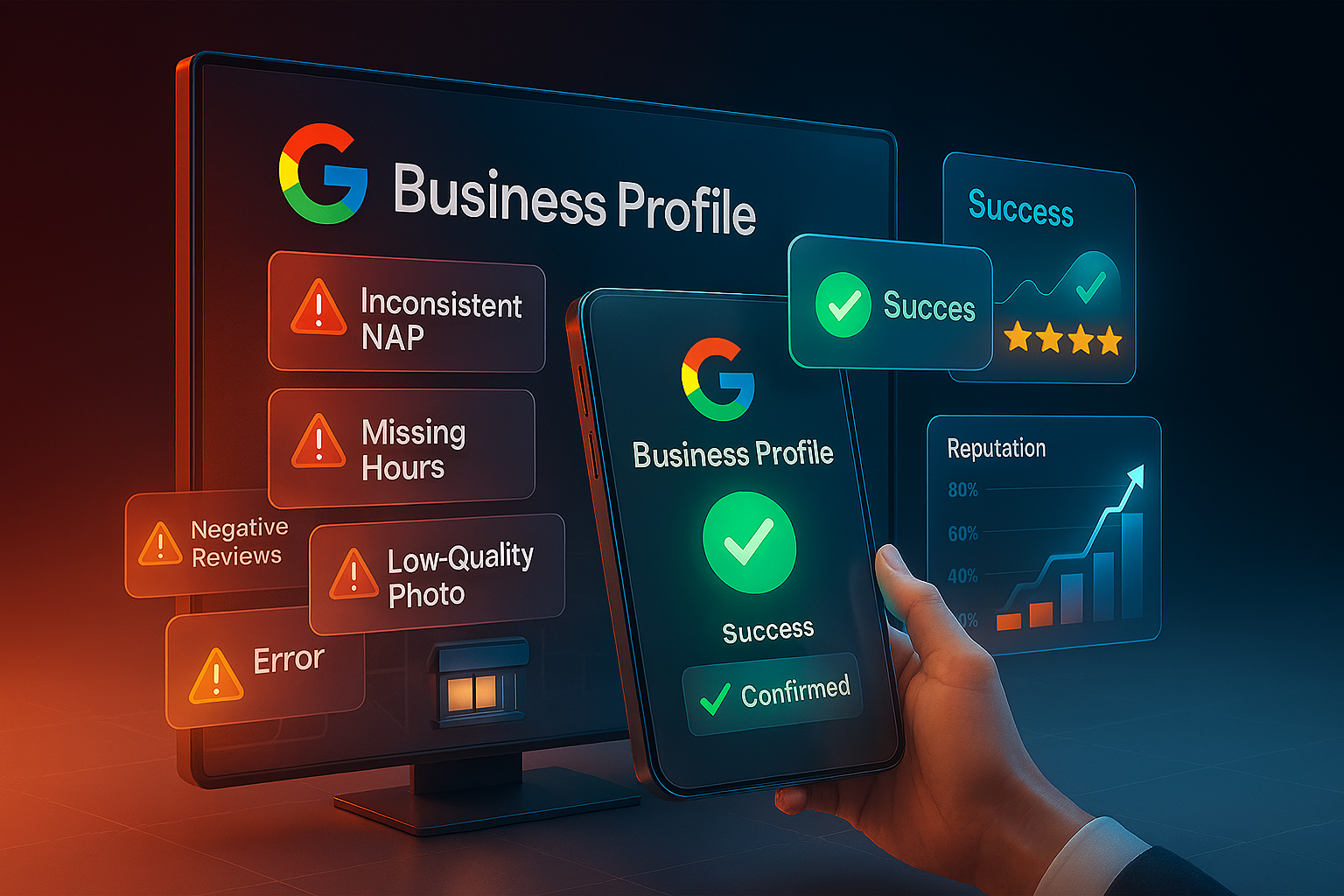
Here’s a breakdown of key mistakes to avoid:
Information Accuracy & Completeness:
- Inconsistent NAP: Mismatched Name, Address, Phone (NAP) across platforms confuses users and Google.
- Wrong Category: Picking a broad or incorrect category limits who sees your profile.
- Inaccurate Hours: Failing to update special hours (holidays, closures) frustrates customers.
- Missing Details: Leaving out services, products, or attributes (like Wi-Fi, accessibility) reduces your reach.
- PO Boxes/Virtual Offices: Using these instead of a physical location can violate policies.
Engagement & Content:
- Ignoring Reviews: Not responding to positive or negative feedback damages your reputation.
- Ignoring Negative Reviews: This damages trust and lowers conversion.
- No Photos/Low Quality: Lack of visuals makes your profile look untrustworthy and incomplete.
- Skipping Google Posts: Missing out on sharing updates, offers, and events.
- Keyword Stuffing: Cramming keywords into your business name or description looks spammy and can lead to penalties.
- Ignoring Q&A: Not answering the questions users ask on your profile.
Management & Strategy:
- Not Verifying: An unverified profile has limited functionality and trust.
- Duplicate Listings: Having multiple profiles for one location confuses search engines.
- Ignoring Insights: Not using performance data means missed opportunities to improve.
- Neglecting Inactive Profiles: A quiet profile signals a closed business to Google.
Google Business Profile Latest Updates and Alerts
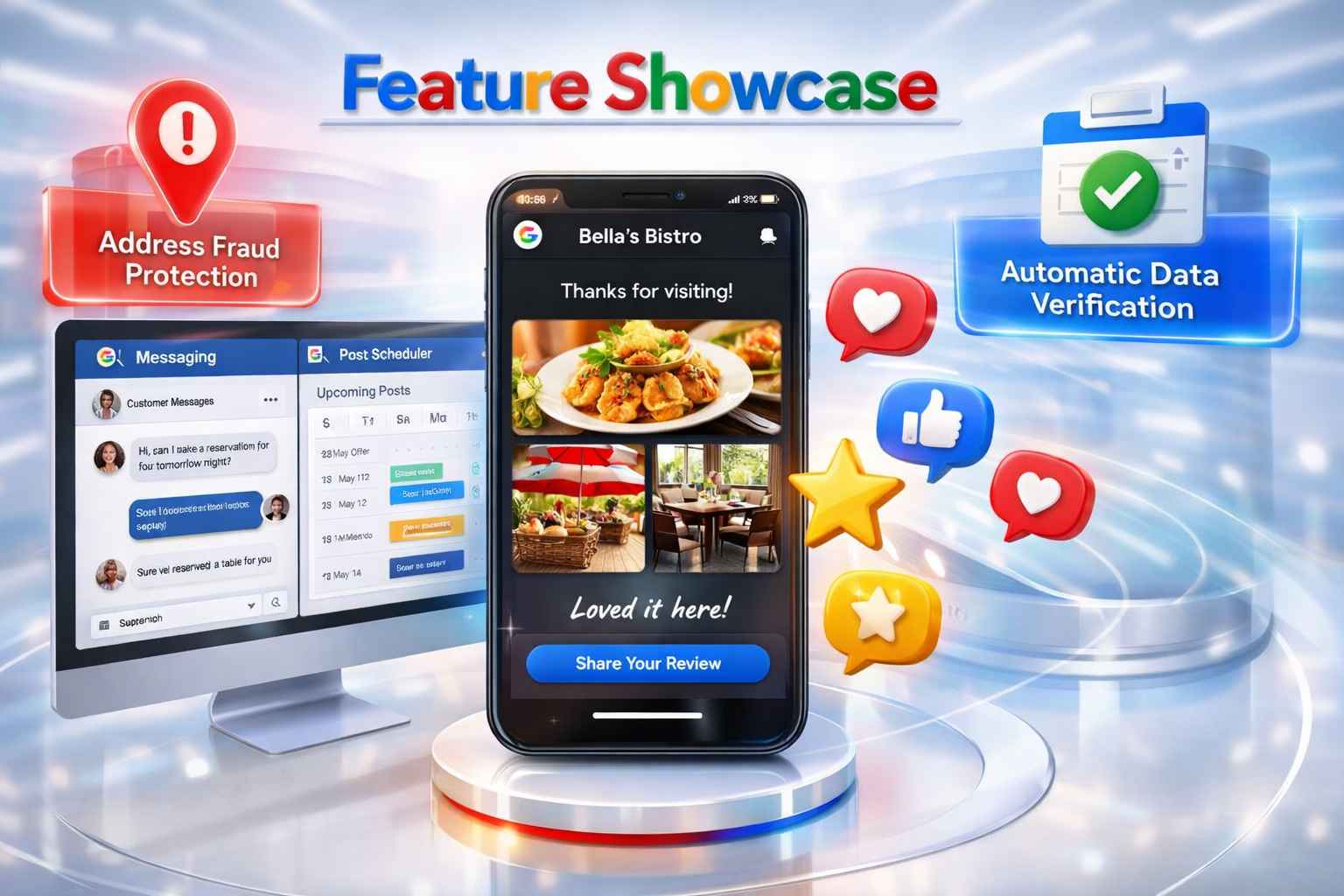
Google Business Profile Latest Updates for 2025-2026: Passion is essential:
Key 2025–2026 Updates & Features:
- Emoji Reactions: Businesses can now use emojis to react to reviews for more engaging, personal interactions.
- Enhanced Review Management: Improved ability to report, manage, and respond to fake or spam reviews directly, with faster response times.
- Desktop Messaging: Business messaging, previously limited to mobile, is now accessible on desktop for better customer service.
- Post Scheduling: Users can now schedule posts (updates, offers, events) in advance to maintain an active profile.
- Story Format Reviews: A new, mobile-first, Instagram-style format for displaying reviews and photos is being rolled out.
- API Enhancements: New capabilities include creating posts and uploading photos directly through the API, plus refined notification filtering.
Critical Alerts & Guidelines:
- Address Fraud Alert: Google has heightened detection of fraudulent addresses, including PO boxes and virtual offices. Using these, or non-verified residential addresses, will lead to immediate, severe suspensions.
- Automatic Updates: Google may automatically update business information based on user reports or third-party sources. It is crucial to regularly check the dashboard for highlighted, unapproved changes.
- Post Retention: Only the 10 most recent updates are shown, and posts older than six months are generally archived.
- API Changes: As of late 2024, new business location/agent launches are no longer supported via the old partner console or certain APIs.
For maximum performance, maintain NAP (Name, Address, Phone) consistency and update profiles weekly.
Google Business Profile important resource links
These links will be very helpful in understanding Google Business Profile better:
Frequently Asked Questions
Conclusion
Setting up a Google listing for your business is one of the most cost-effective marketing steps you can take in 2026. By treating your Google Business Profile as a living asset rather than a “set it and forget it” task, I ensure a consistent stream of local leads. Consistency, quality content, and a deep understanding of local search behavior are essential for mastering your business’s online visibility.
This guide is very important, and we want everyone to benefit from it, so please share it with your friends, relatives, and acquaintances. Also, if you have any questions related to this topic, please let us know. We will do our best to answer your questions in our next article.
Want to dominate your local market?


I truly valued this comprehensive guide to Google Business Profile – you have transformed a subject that may appear perplexing into something practical and accessible. I particularly appreciated how you detailed the process of optimizing business information, gathering reviews, and leveraging insights to enhance decision-making. These are the essential tools that enable local businesses to distinguish themselves in search results and engage with customers who are prepared to interact.